Current Steal a PC update status
Steal a PC is an actively changing Roblox experience, but the available evidence does not identify one confirmed patch number, named latest PC, live event, or active code for this update cycle. Roblox metadata records a page or experience update on November 12, 2026; that timestamp proves recent activity, not a specific gameplay change. Treat the current state as recently updated, with individual changes requiring in-game confirmation.
The safest way to get the current version is to leave an older server and join a fresh one. If a new area, Box, event item, or balance change is missing in the server you are already playing, do not assume the feature was cancelled. The server may simply still be running an older state.
Confirmed update areas and player actions
The evidence supports several categories of change, but not a complete official patch list. Use this table as a recheck list after joining a new server rather than as a promise that every item is live at the same time.
| Update area | Supported effect | What to recheck |
|---|---|---|
| New PCs | The game description indicates that new PCs can be added; current names and values are not confirmed. | Inspect new Boxes and compare the PC's displayed income before committing to a route. |
| New zones | The game description refers to 30 zones, while exact unlock requirements are not confirmed here. | Check the zone prompt and required Speed in the fresh server instead of relying on an old route. |
| Limited-time events | Events may use special currency, eggs, rewards, pets, or codes while they are open. | Check the event interface and finish time-sensitive reward progress before the event ends. |
| Day and night | Visibility changes, and observations describe possible item or Box differences at night. | Learn the route in daylight and verify any night-only behavior in the current server. |
| Balance and fixes | Values, movement, routes, anti-theft behavior, or bugs may change after an update. | Recheck the displayed requirement, payout, and escape route before a long farm. |
| Server refresh | An old server may not immediately show the latest map or item state. | Leave and rejoin a new server when the update timestamp or in-game content changes. |
These are change areas, not confirmed names for a single patch. In particular, the current evidence does not establish a new PC's rarity, value, a zone's exact Speed threshold, an event's end time, or a compensation reward.
What players should do after a version change
Start with a short inspection rather than a full money run. Join a fresh server, look at the map and zone entrances, and check whether new Boxes, event interfaces, or visible requirements have appeared. Then revisit the systems most likely to affect your next route: Speed, Box opening time, PC income, Base or Pen capacity, and the safety of the return path.
If you carry a Box, plan for the return trip before choosing a target. Zone Guardians can chase a player carrying one, and a route that worked before a movement or map adjustment may no longer be safe. Use daylight to learn the current path when visibility matters. If your Base or Pen is full, make room before stealing another Box; a new reward cannot become useful income without a place to process or place it.
Do not rebuild a farming plan from an old number alone. Compare the current in-game requirement and displayed income with your previous notes. A balance change can make a formerly attractive target slower, less profitable, or harder to escape. The first post-update run should be a controlled test: take a reachable Box, confirm that it can cross the Safe Zone and reach your Base, then check the resulting PC and its placement or income behavior.
Reported observations versus confirmed changes
Creator and community-style observations mention a Ranger box, night-time visibility changes, and new maps or Boxes. Those observations are useful leads for where to look, but automatic transcripts can mishear names and do not establish an official change log. The observations also do not prove that a Box is available in every server, that it has a particular reward, or that night behavior follows a fixed refresh rule.
Check the reported Ranger box and nearby PCs
This moment supports the article's reported-observation section by showing the Ranger box and another area with additional Boxes and PCs to recheck in a fresh server.

Recheck night changes and the new map
This moment supports the article's caution about night-time reports by showing disappeared items, a new map, and its access requirement to verify in-game.
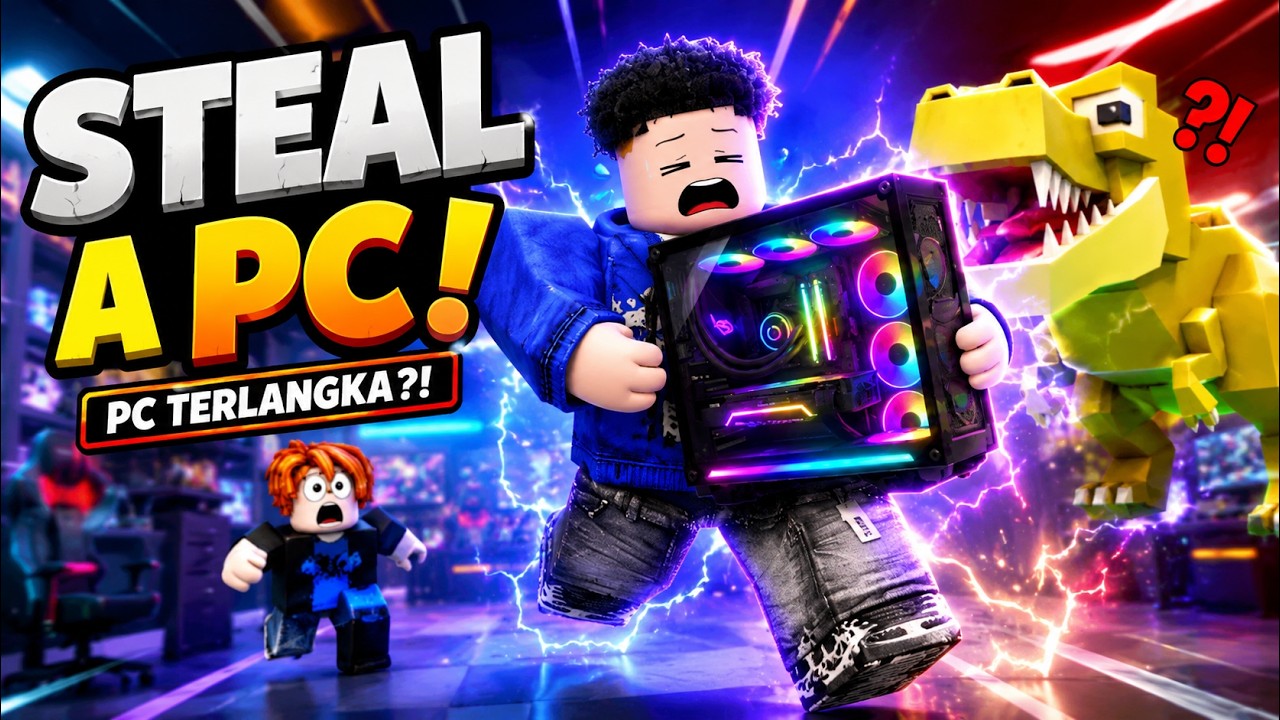
Keep those reports separate from the confirmed Roblox-level signal: the experience has recent update activity and its description presents ongoing additions, including new PCs and a planned set of zones. A third-party page can help you find a possible feature, but the current server and the game's own displayed requirements should decide whether you act on it.
Unknown details and the next reliable check
There is no supported complete Patch Notes record in the current evidence. The following details remain unresolved: the latest patch version, the exact newest PC and value, precise zone unlock thresholds, event names and deadlines, night refresh rules, balance numbers, and any currently active code. No specific code should be treated as verified from this update evidence. Ignore code generators, reward sellers, and pages that ask for your Roblox password; use the in-game code field only when a code comes from a reliable game announcement and the game accepts it.
For the next check, compare the official Roblox experience page's update time with what appears after joining a new server. Then verify the relevant feature in-game: read the zone requirement, inspect the Box or event reward, test one safe route, and confirm the resulting PC or currency. If the feature is absent, rejoin another fresh server before concluding that it is unavailable. This keeps an old server, an unverified transcript, and an actual live change from being treated as the same thing.
Steal a PC updates FAQ
Does the November 12 update time confirm a new PC?
No. It confirms recent Roblox page or experience activity, but it does not identify a specific PC, value, rarity, or patch change. Join a fresh server and inspect the current Boxes and PC displays.
Why can’t I see an update in my current server?
An older server may still be running an earlier state. Leave it and join a new server, then check the map, zone prompts, Boxes, and event interface again before deciding that the feature is unavailable.
Are Steal a PC update codes confirmed here?
No specific code is verified by this update evidence. Only use the in-game code field with a code from a reliable game announcement, and never give a third-party site your Roblox password.
Should I change my farming route after an update?
Yes, test it first. Recheck Speed requirements, Box opening behavior, PC income, Base or Pen capacity, Guardian threats, and the return route before repeating a long farm.